You must log in or # to comment.
gnome style is too rounded for me hurts my eyes when i see it
Gnome style looks like a early 2010s iOS app
No, back then iOS was still heavy on skeuomorphic design. I‘d love for a desktop environment that embraces that.
at least kde has some ui density, gtk5/6 is atrocious on lowres displays
I had 768p monitor, gnome title bars ate my screen space, I had to unironicly set my scale factor to 70% on gnome tweaks to even attempt to try out gnome and even then I gave up and installed plasma
But kde applications use even more space with the title bar, menu bar and tool bar. Even if you disable the toolbar and menu bar, there’s much more padding in kde applications resulting in the content area being significantly smaller. I just compared Kate to gedit and the new gnome text editor and it’s not even close. The gnome applications are much more compact.
I’ve been seeing people complain about header bars being “huge” for years, but every time I actually do a comparison, the header bar application turns out to be more compact than the alternative.
The only issue with gnome in that area is their antagonism towards themes, as themes can easily fix any size possible problems, but the newest default theme is quite reasonable. I used to have custom CSS to shrink the header bars, but it’s no longer necessary.
That being said I recently switched to plasma as well, as gnome’s forced Wayland transition resulted in way too many workflow issues and bugs. But I just configured plasma to work like gnome-shell and I’m continuing to use gnome applications.
Literal lies and deceptions.
I mean, I installed Kate just to do a comparison before posting, I can show you the screenshots if you want. Or just continue believing what you want.
i just can’t stand gnome anymore, it was my favorite for a long time too. KDE is fine but I fucking hate Dolphin. I’m into Cosmic right now but I’m not sure I like the file manager
Interesting, dolphin is by far my favorite file manager. What don’t you like about it?
I’d have to use it again to tell you, to be honest. It’s been couple months since I last did and so my memory is a little foggy except for my dislike. I remember not liking how tabs work and how it took a bunch of tinkering to make it less annoying.
on a machine that I ran for years, i basically did kde but with a different file manager, that was wonky and presented it’s own problems but it wasn’t Dolphin so I was satisfied
on a machine that I ran for years, i basically did kde but with a different file manager
Might’ve been PCManFM-Qt, which is also used by LXQt: https://en.wikipedia.org/wiki/PCMan_File_Manager
At least, that’s another Qt file manager I know of.Well, or it was Krusader: https://krusader.org/
But Krusader is funky, i.e. similar to Total Commander and GNU Midnight Commander…Krusader (or generally dual-pane file managers) is great once you get used to it. I have been using it (and Double Commander on Windows) for years now and wouldn’t want to get back to anything else.
Yeah, I often hear that. A few years ago, I tried to get into Krusader, because I also liked some of the features it has, but after two weeks or so, I realized that I don’t use the file manager nearly often enough to make progress in learning a different workflow. 😅
Well, and I also kind of had the problem that navigating into directories is quite fast on the terminal, especially with Fish shell, so I often do that there and then run
open .to launch the GUI file manager for the thumbnails or dragging into other GUI applications.
And that Frankenstein workflow is kind of diametrically opposed to dual-pane file managers, where you really need to navigate to different locations in the respective pane from within the file manager. 🫠
There’s also Konqueror, the file manager/web browser combo that was mostly replaced by dolphin but is still sort of maintained
Cosmic is fun and has a lot of potential. It’s a bit like a new take on XFCE. However it has weird limitations and bugs still. For example when editing the top and bottom panel, it’s divided into beginning, end, and center. XFCE and other solve this with providing a flexible space to achieve the same.
I have discovered a few anoyances with Cosmic, the file manager is crap lol
Yes, it’s early days.
There are a couple of really cool projects going on at the moment, that use some kind of tiling.
DankLinux and Noctalia used with niri is worth trying for example.
Omarchy gets a lot of hate, however it’s actually really well done. Probably the best intro to a tiling window manager with keyboard focus. The included features are well thought out. Included documentation is excellent. It also looks great. Lots of attention to detail. It shows how to make a distro that’s very different from Windows and Mac OS. Instead of trying to ape the popular OS, it leans into the strengths of Linux.
thanks for the info, I will give them a look
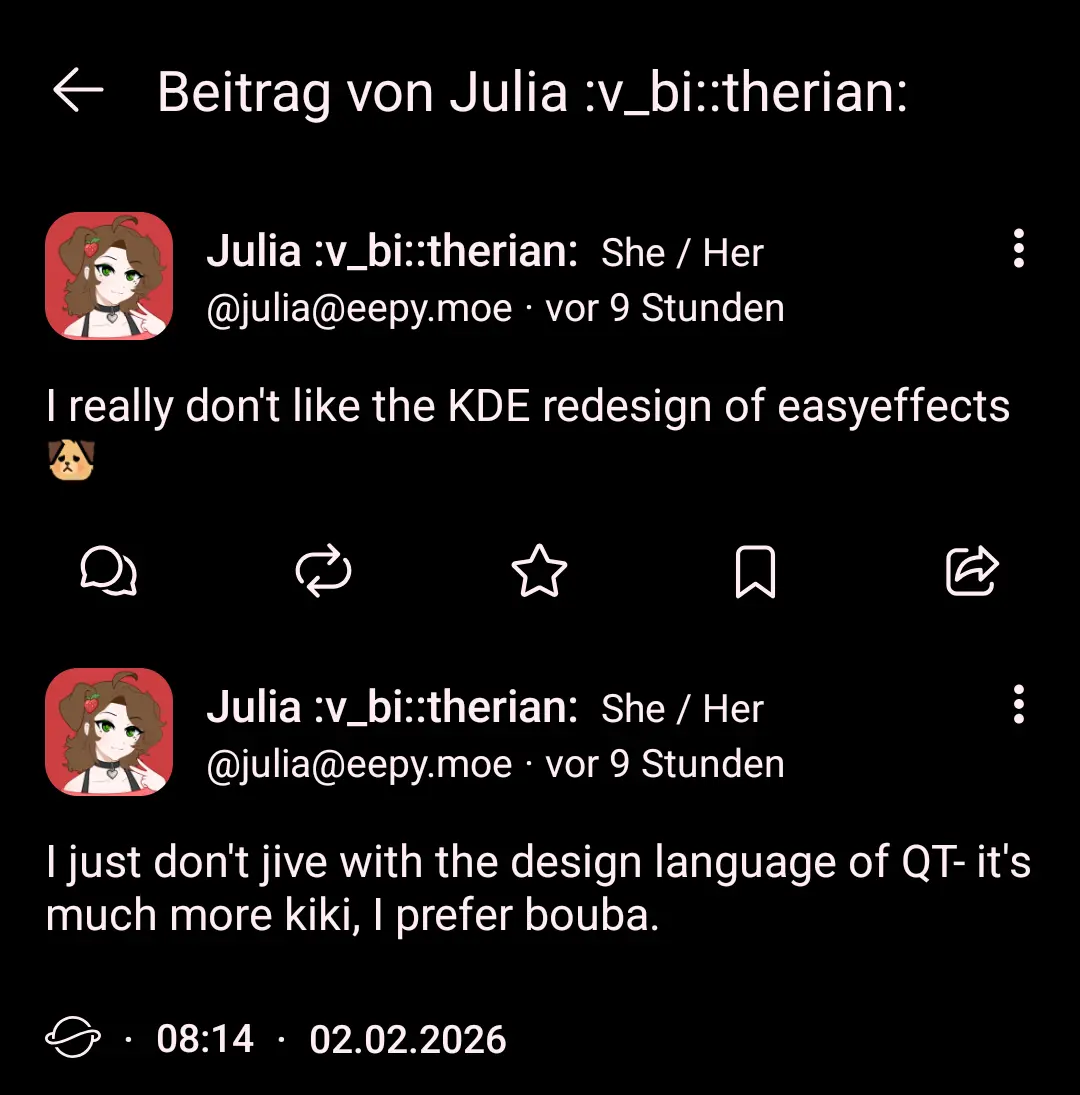
I prefer kiki but you know, whatever…
I’d be fine with it, but I had to pin the flatpak to an old release for now, because the redesign fucked up the migration, deleted all my presets and also caused issues with voice chat apps not getting any audio input. The new UI is also unquestionably a downgrade and less accessible when it comes to setting slider values, but I hope that can be fixed with time. I certainly don’t blame FOSS devs for their work.
Btw. seeing some of the comments in here: is it the fate of all Linux shitposting forums to be filled with hardliners who really care what software you install on you Linux system? Let me use my GTK apps in peace. I don’t need opinions on UI cleanliness and density from people who don’t even use easyeffects, because my god, is it a mess currently.
What have you done
What?
I like how dolphin can do checksums in the GUI
I’m just glad the fallback preset setting finally exists. Means I can tune my laptop speakers but default to a “clean” empty preset for any other device. Dev said that the feature wasn’t gonna happen until the Qt version was the main version. Under the GTK version I had to manually add an entry for every new audio device